
Download Bridge of Doom – Free browser clicker arcade game
Overview
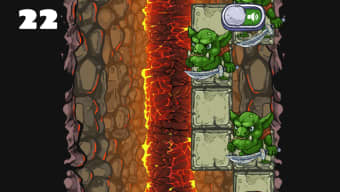
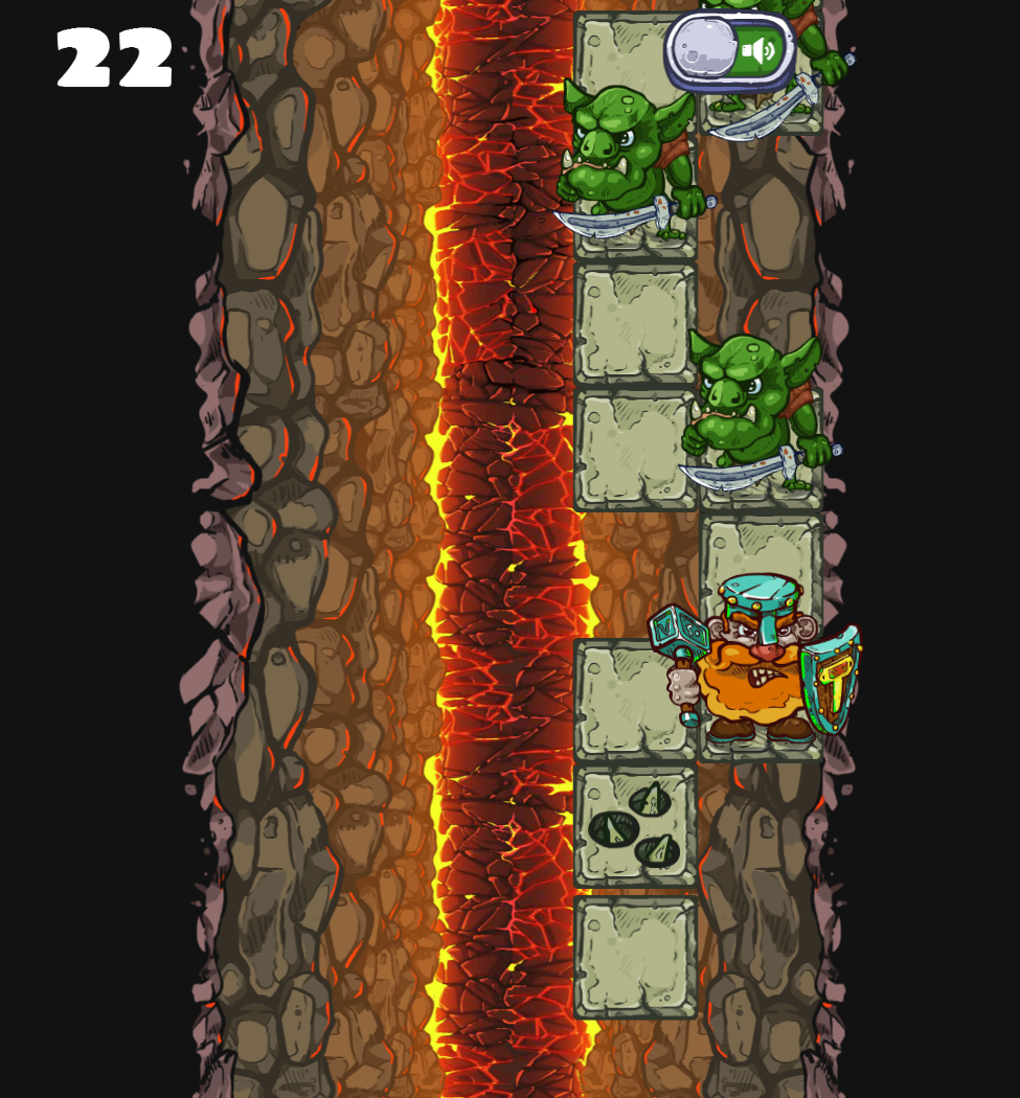
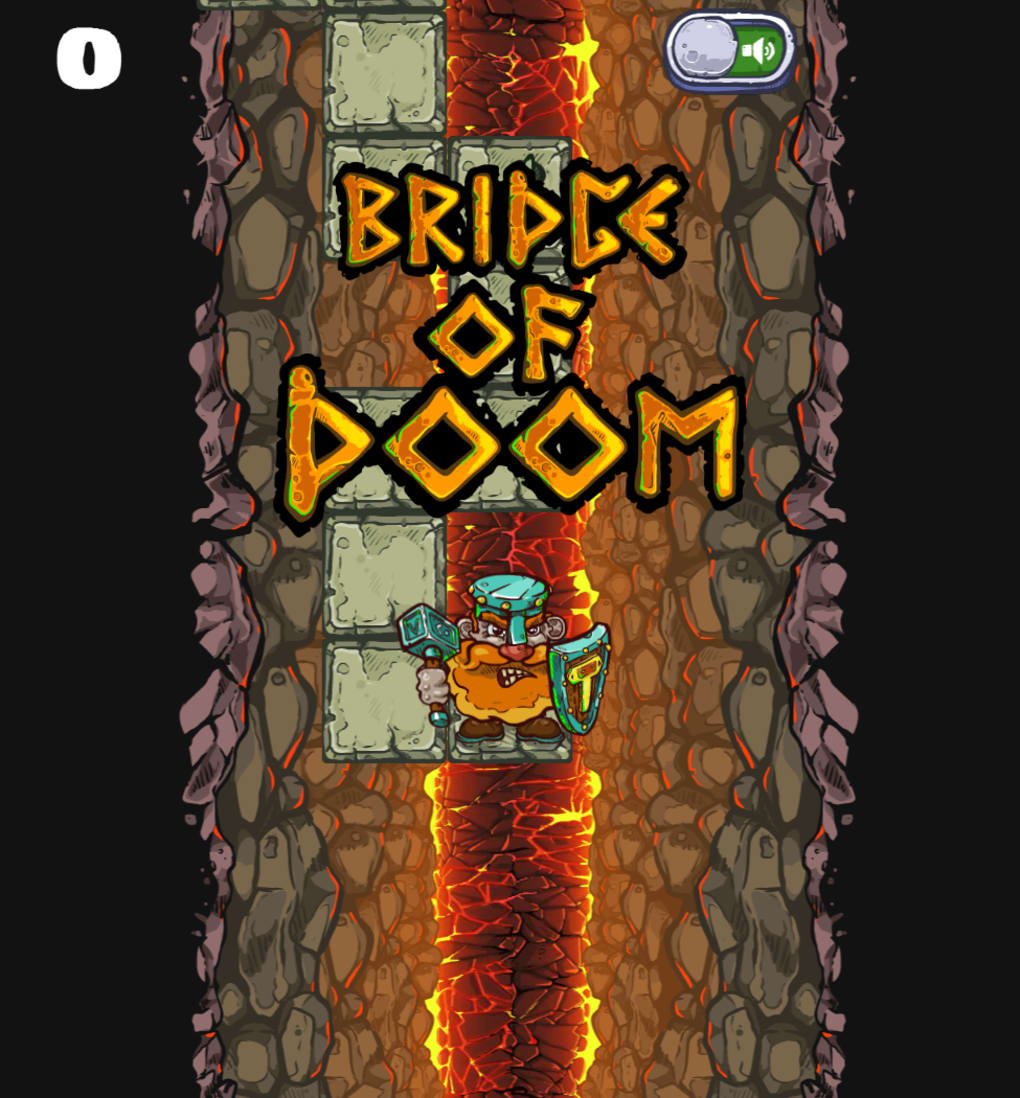
Bridge of Doom is a minimalist, one‑button arcade experience that runs directly in any modern web browser. Created by HTML5‑games designer Robert Podgorski, the game drops you onto a precarious stone bridge suspended over a river of lava. You control a bold Viking who must sprint across the bridge by simply clicking the left mouse button.
Each click pushes the Viking one block forward, while enemies, spikes, and falling platforms demand precise timing. Because the entire title is built with HTML5 and JavaScript, there is no download, no installation, and no storage drain – you just open a URL and start playing. The concept is intentionally simple: survive as long as possible while the bridge crumbles behind you.
Despite its straightforward premise, Bridge of Doom offers an endless loop of quick reflex challenges that can be enjoyed in short bursts or long sessions. The visual style is retro‑pixelated, giving a nostalgic arcade vibe, and the sound effects reinforce each successful click with satisfying feedback. While the gameplay can become repetitive after a while, the low barrier to entry and instant accessibility make it an ideal filler for a quick break at work, school, or on a mobile device.
Key Features & Compatibility
What makes Bridge of Doom stand out?
- One‑button control: just left‑click to move forward.
- Endless level design that generates new obstacles on the fly.
- Retro pixel art graphics that evoke classic arcade titles.
- Dynamic platform dropping system that forces constant forward motion.
- Simple enemy mechanics – click repeatedly to defeat harmless monsters.
- Fully browser‑based – works on Windows, macOS, Linux, Android, and iOS.
- No installation required, saving storage space on any device.
- Responsive design adapts to desktop and mobile screen sizes.
- Free to play with optional social sharing features.
Operating System Support
Bridge of Doom runs on any device that supports a modern HTML5‑compatible browser. This includes Windows 10/11 (Edge, Chrome, Firefox), macOS Ventura and later (Safari, Chrome, Firefox), Linux distributions (Chrome, Firefox), Android 8.0+ (Chrome, Firefox), and iOS 13+ (Safari, Chrome). Because the game is served via a standard web page, there are no platform‑specific binaries to manage, ensuring a truly cross‑platform experience.
Installation, Usage, and Pros & Cons
How to start playing
Since Bridge of Doom is a browser game, there is no traditional installation process. Simply open your preferred web browser, navigate to the official game URL, and wait for the loading screen to finish (usually under three seconds on a broadband connection). Once the Viking appears on the bridge, you can begin playing immediately by left‑clicking anywhere on the screen. For mobile users, a single tap on the touchscreen functions the same as a mouse click. The game automatically saves your highest score in the browser’s local storage, so you can return later and try to beat your record without creating an account.
Pros
- Instant access – no download or installation needed.
- Ultra‑low learning curve; anyone can pick up the controls in seconds.
- Responsive design works equally well on desktop and mobile.
- Free to play with no hidden fees or paywalls.
- Endless gameplay encourages repeated attempts to improve high scores.
Cons
- Limited depth – the single‑click mechanic can feel repetitive over time.
- Absence of progression systems or unlockable rewards reduces long‑term motivation.
- Visuals, while nostalgic, may not appeal to players seeking high‑definition graphics.
- No multiplayer or leaderboards beyond local storage, limiting community engagement.
- Difficulty spikes are predictable, offering little strategic variety.
FAQ & Conclusion
Do I need an internet connection to play Bridge of Doom?
Yes. The game is hosted online, so a stable internet connection is required to load the initial page and retrieve updates.
Can I play Bridge of Doom on a mobile device?
Absolutely. The game’s responsive design supports Android and iOS browsers, and a single tap works the same as a mouse click.
Is there a way to save my high score?
Your highest score is saved locally in the browser’s storage, so it persists as long as you don’t clear your cache.
Are there any in‑game purchases?
No. Bridge of Doom is completely free to play with no micro‑transactions or ads that interrupt gameplay.
What browsers are recommended for the best experience?
The latest versions of Chrome, Firefox, Edge, and Safari provide optimal performance and compatibility.
Final Thoughts
Bridge of Doom delivers a pure, click‑driven arcade experience that anyone can enjoy without the hassle of downloads or hefty system requirements. Its charm lies in the immediate feedback loop: a single click, a forward step, and the ever‑approaching lava keep the tension high. While the gameplay loop may feel repetitive after extended sessions and the lack of deeper progression limits its replay value, the game shines as a quick, free, and universally accessible pastime. If you’re looking for a lightweight browser game to fill short breaks, Bridge of Doom is a solid choice. Give it a try, beat your personal best, and share the high score with friends for a friendly competition.



.png)



